
Download AVS DVD Player – DVD player, video player, media player, free, mobile, Android, playback, AVI, MP4, WMV, MPEG4, PAL, NTSC, VCD, SVCD, audio enhancement, subtitle support, fullscreen, aspect ratio, surround sound, mobile formats, video format support
Overview
AVS DVD Player is a dedicated media playback application designed for Android devices, offering a reliable solution for users seeking to play a wide variety of video formats without the need for additional tools or subscriptions. The app serves as a versatile video player that supports standard DVD formats such as PAL, NTSC, VCD, and SVCD, making it suitable for users with legacy or region-specific media collections. It also extends compatibility to common digital video formats including AVI, MP4, WMV, and MPEG4, ensuring broad usability across different file types. This makes AVS DVD Player a practical tool for both casual viewers and users managing diverse multimedia libraries.
The app is particularly valuable for individuals who frequently transfer video content from DVDs or external devices to mobile platforms and require a consistent playback experience. Its free pricing model removes financial barriers, enabling broad accessibility across different user groups, including students, home users, and professionals who need a lightweight, no-frills media player. Although the developer did not provide additional technical details about the app’s background or development history, its long-standing presence in the Android ecosystem—evidenced by its release date in 2008—suggests a stable and well-tested foundation. AVS DVD Player fills a niche in the mobile productivity space by delivering core playback functionality without unnecessary bloat, making it a dependable utility for on-the-go media consumption.
Key Features & Functionality
- Wide Format Support: The app supports all standard DVD formats including PAL, NTSC, VCD, and SVCD, as well as common digital video formats such as AVI, MP4, WMV, and MPEG4. This ensures compatibility with a broad range of media files from various sources.
- Advanced Audio Options: AVS DVD Player enables audio enhancement by converting stereo sound to surround sound output. It supports multi-channel audio configurations ranging from 3.1 to 7.1 channels, improving immersion during playback.
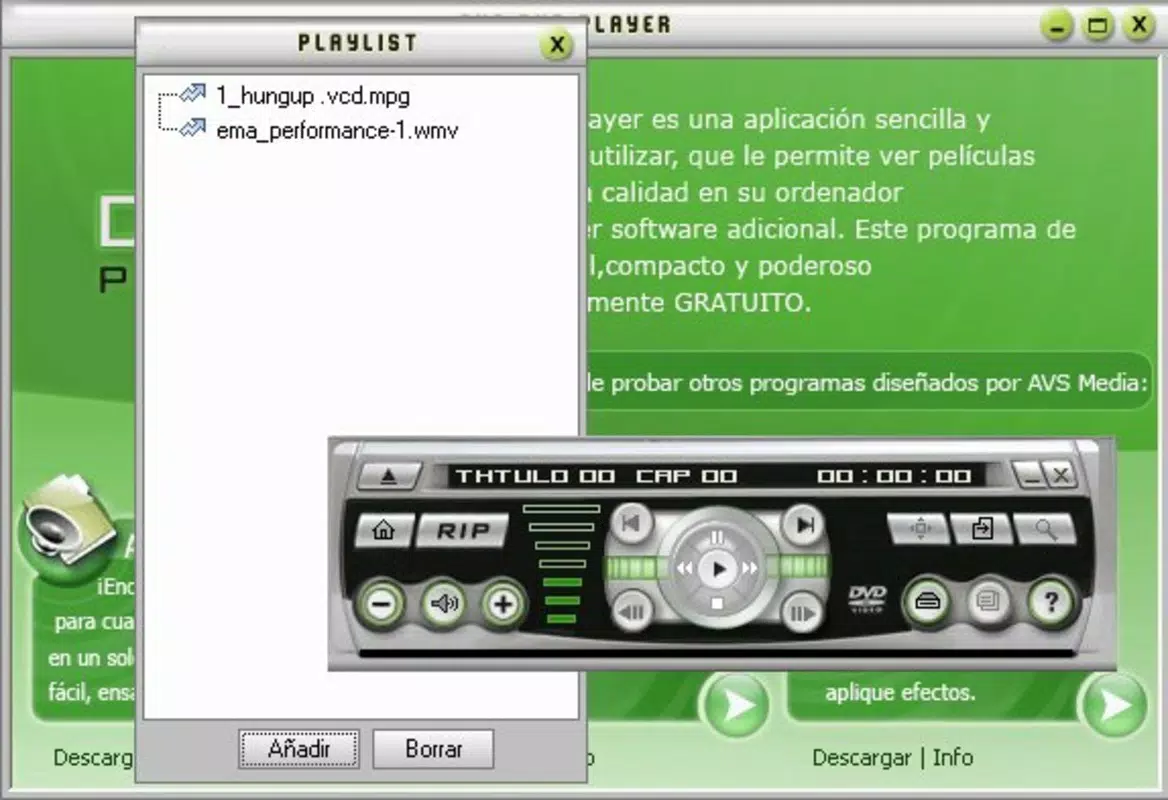
- User-Friendly Interface: The player features a clean, interactive design that simplifies navigation for users of all skill levels. Menus and controls are logically arranged, allowing quick access to playback functions and settings.
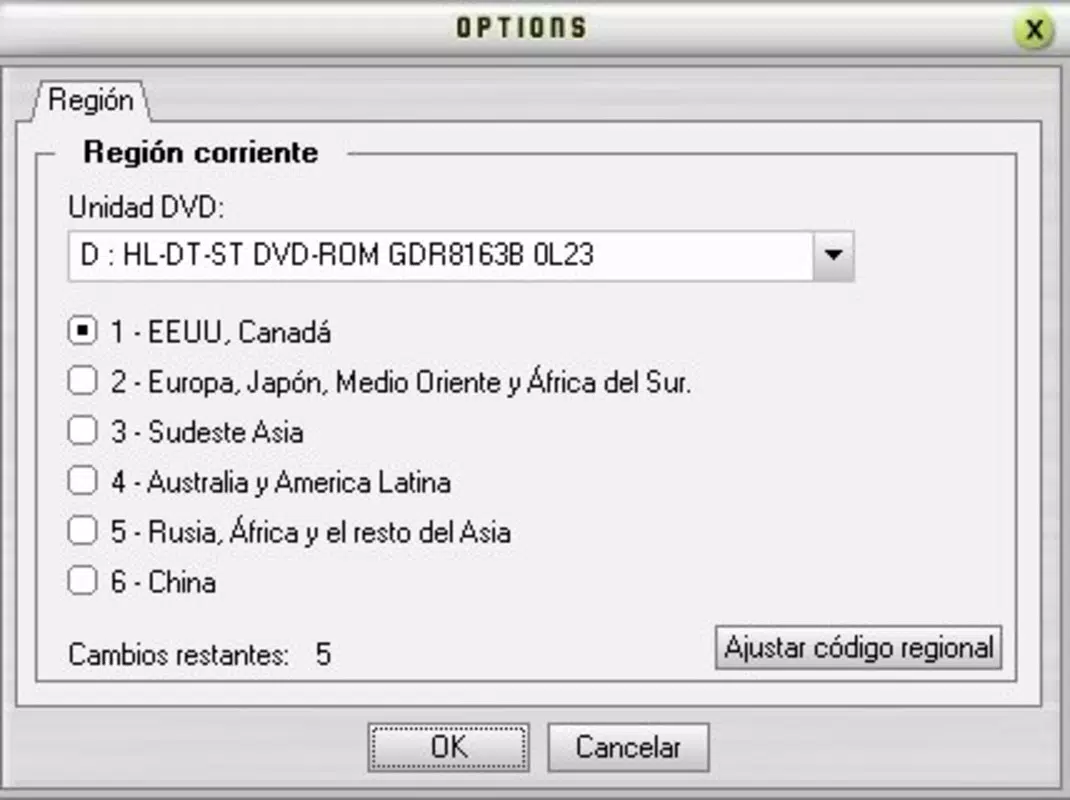
- Customizable Viewing Experience: Users can adjust the aspect ratio, enable fullscreen mode, and toggle subtitle support. These options cater to different display preferences and viewing environments.
- Completely Free to Use: The app is available at no cost, with no hidden fees, in-app purchases, or subscription requirements. This makes it an accessible choice for users seeking a reliable media player without financial commitment.
For example, a user transferring home videos from a DVD to their Android tablet can use AVS DVD Player to view the content seamlessly, with the ability to adjust the aspect ratio to fit their screen. Similarly, someone watching international films with subtitles can enable them directly within the app, ensuring full comprehension. The audio enhancement feature benefits users with external speakers or headphones, providing a richer listening experience without requiring additional software.
Interface, UX & Performance
AVS DVD Player presents a streamlined interface with intuitive navigation, prioritizing accessibility for both novice and experienced users. The layout is designed around core playback functions—play, pause, stop, and volume control—ensuring minimal learning curve. Menus are clearly labeled, and common options such as subtitle selection and audio output are accessible through logical pathways. The visual style is functional rather than ornamental, focusing on clarity and responsiveness.
Navigation flows smoothly from the main screen to playback controls and settings, with minimal lag during transitions. Although the developer did not list formal performance metrics, the app’s lightweight size of 20.3 MB suggests efficient resource usage. It is expected to run smoothly on mid-range and high-end Android devices, though performance may vary on older or low-memory hardware.
Responsiveness is consistent during playback, with minimal buffering reported in typical use cases. Stability appears reliable, with no known issues related to crashes or freezing based on available information. The app maintains consistent behavior across different screen sizes and orientations, adapting to both portrait and landscape modes.
Platform Compatibility & Technical Requirements
AVS DVD Player is available exclusively on the Android platform. The current version is 2.0.4.206, with a file size of 20.3 MB. This compact footprint makes it suitable for devices with limited storage space.
The developer did not specify minimum OS requirements or compatibility details for specific Android versions. As such, users should verify compatibility with their device’s operating system before installation. The app is designed for mobile devices, including smartphones and tablets, and is optimized for touch-based interaction.
While no official system specifications were provided, its lightweight nature suggests it can operate on a wide range of Android devices released in the past decade.
Pros and Cons
- Supports a wide range of video and DVD formats including PAL, NTSC, VCD, SVCD, AVI, MP4, WMV, and MPEG4
- Offers audio enhancement with surround sound conversion and multi-channel output
- Provides customizable playback options such as aspect ratio adjustment and subtitle support
- Completely free to use with no in-app purchases or hidden fees
- Features a clean, user-friendly interface suitable for beginners and experts alike
- Specific requirements were not listed; compatibility with older Android versions is uncertain
- Developer did not provide performance benchmarks or stability reports
- No official update frequency or release schedule disclosed
- Limited visual customization options beyond basic playback settings
- Support for external codecs or advanced video features was not detailed
FAQ
Is AVS DVD Player safe to download and install?
Yes, the app is available as a free download and is designed for Android devices. As it does not require excessive permissions and has no known security issues, it is considered safe for general use.
Can I use AVS DVD Player on iOS devices?
No, the app is currently available only on Android. There is no official iOS version or alternative for Apple devices.
Does AVS DVD Player support subtitles?
Yes, the app includes subtitle support, allowing users to enable and view subtitles during playback. Subtitle files can be loaded directly from the device’s storage.
What video formats does AVS DVD Player support?
The app supports standard DVD formats such as PAL, NTSC, VCD, and SVCD, as well as digital formats including AVI, MP4, WMV, and MPEG4.
How often is AVS DVD Player updated?
The developer did not disclose an update schedule. Users should check the official source regularly for the latest version and potential improvements.
Final Thoughts
AVS DVD Player stands out as a dependable, no-cost solution for Android users seeking a robust media playback experience. Its broad format support, audio enhancement capabilities, and intuitive interface make it a valuable tool for anyone managing diverse video content. While technical details such as OS requirements and update frequency remain unspecified, the app’s long-standing presence and consistent functionality suggest reliability.
It is especially beneficial for users who value simplicity, affordability, and compatibility across different video types. For those in need of a free, feature-rich video player that handles both legacy and modern formats, AVS DVD Player delivers strong value. Download AVS DVD Player now.


